
Performance (Settings › System › Performance)
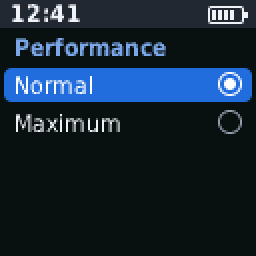
The player changes its processor speed by itself: slow while it waits for you, faster while it decodes music or draws a busy screen. Performance chooses how far it may go.
| Setting | Fastest speed | Core voltage | Use it for |
|---|---|---|---|
| Normal (default) | 144 MHz | 1.0 V | Everything. Every codec the player supports plays at this speed |
| Maximum | 288 MHz | 1.3 V | Work that still stutters at Normal (for example several Sound effects at once on a demanding file). Busy screens may feel quicker |
With Maximum the player only goes to 288 MHz when it is busy (the same rule that takes it from 96 to 144 MHz at Normal), and it comes back down after three quiet seconds. It does not stay at full speed while idle or switched off.
Battery: 288 MHz needs a higher core voltage, so while the player runs at that speed it uses more power. How much shorter a charge lasts is being measured (it depends on how often the player is busy); until then, keep Normal unless something does not play smoothly. 288 MHz and 1.3 V are values the original firmware uses itself, so Maximum does not run the chip outside what it was built for.
Opus files are limited by reading the program from flash memory, not by the processor: Maximum does not make them play.
The setting is kept when the player is switched off. Factory reset sets it back to Normal.